Confirmation
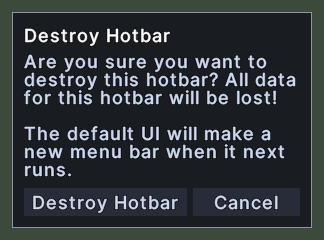
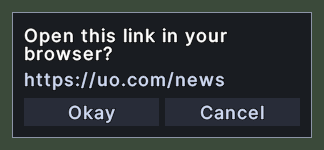
A confirmation is a small box in the middle of the screen that asks you a question before something that is hard to undo, or tells you something that you must read. The title says what it is about, and the words under it give the question or the message.
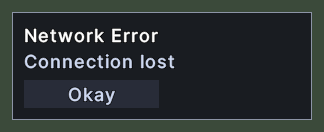
Most confirmations ask a question and have two buttons. One button says yes and the other is Cancel. A message that has nothing to decline has one button, Okay. Only one confirmation is up at a time, and a new one takes the place of the old.
Opening it
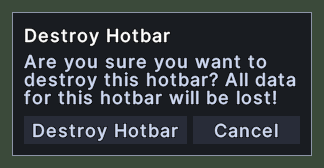
- A confirmation opens when something asks for your agreement. Examples are destroying a hotbar, choosing Log Out or Exit Game, opening a link that a server window offers, taking a key that another binding holds, and an action that the server warns may flag you criminal.
- A message with one button opens when the game has news for you, such as a lost connection.
- Pressing the yes button, Okay or Cancel closes it.
- Nothing else closes it. A right-click and the Escape key do nothing. The one exception is the Log Out question while the game makes you wait after a fight: when the wait ends, the box closes by itself and logs you out.
Using it
- Click the yes button, or Okay, to agree. The action then goes ahead.
- Click Cancel to decline. Nothing happens, and the box closes.
- On a message with one button, click Okay to close it. When the connection is lost, closing the message logs you out.
- Drag the box to move it.