First Run Questions
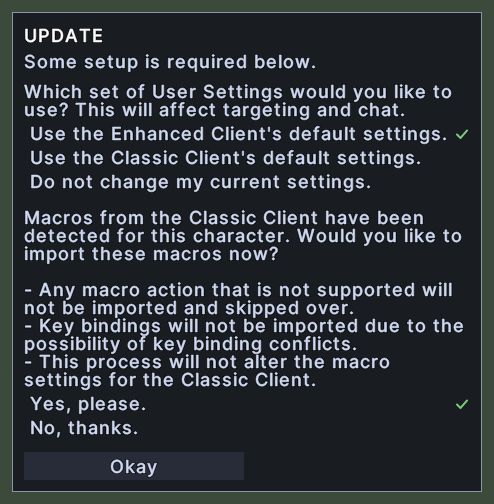
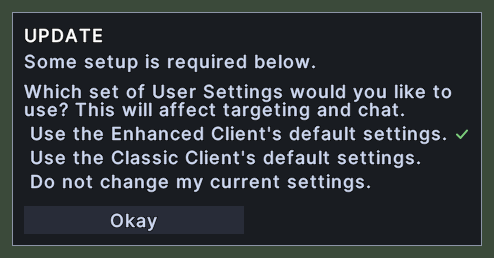
This window asks a character that is new to this client how to set it up. It is headed "UPDATE" and says that some setup is required. It asks which set of settings you would like to use, and, if the client has found macros from the Classic Client for this character, whether you would like to import them.
Each question lists its choices, and the choice you have picked is marked with a tick. A single Okay button at the foot sends your answers.
Opening it
- The window opens in the middle of the screen when you log in with a character that has never answered, after the other windows of the UI.
- Okay sends your answers and closes the window.
- A right-click anywhere on the window puts it away without sending anything. The questions stay unanswered.
Using it
- Click a choice to pick it. The tick moves to it.
- Hover over a choice to read what it will do.
- Click Okay to send your answers. If you chose one of the first two sets of settings, the client puts its settings back to that set's defaults. Your hotbars, their keys and your macros stay.
- Right-click to put the window away.