Map
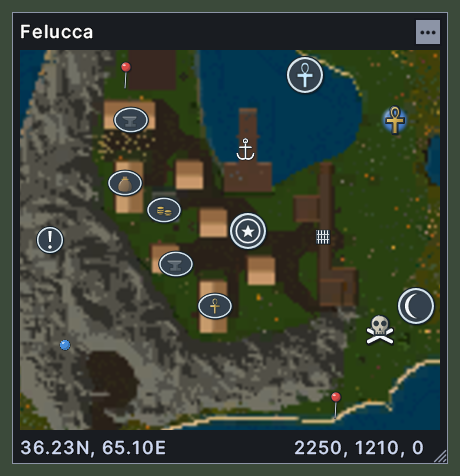
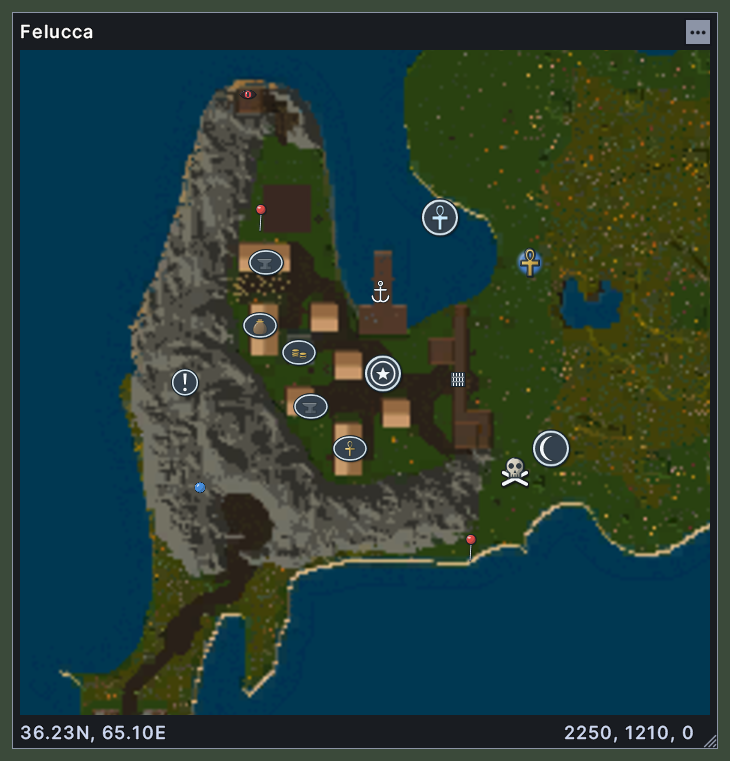
The map shows the world around you. It draws the land as a picture with markers on it for towns, shrines, moongates, healers, your own waypoints and other places. The title names the world, and the area as well when you look at one area of it. The foot shows your position as a sextant reading, and the position as numbers at its right end.
The map opens on your own position and follows you as you walk. A button with three dots at the top right opens the map's menu.
Opening it
- The Toggle Map key in the client's key settings opens the map, and closes it again.
- The Atlas action, in the Menu Actions group of the Actions window, does the same. You can put the action on a hotbar.
- The map opens again at the next login when you left it open.
- A right-click on the map closes it.
Using it
- Drag the picture to move the view. Dragging stops the map from following you. It follows you again when you tick Center on Player in the map's menu, or the next time you open the map.
- Roll the mouse wheel over the map to zoom in and out.
- Double-click a place on the map, or on a marker, to centre the map there.
- Hover over a marker to read its name and its sextant reading.
- Move the pointer over the map to see the position under it at the foot.
- Click the three dots, or Shift+right-click the window outside the picture, to open the map's menu. It has Center on Player and Tilt Map, which show a tick when they are on, then Zoom In and Zoom Out. After them come Worlds and, where the world has named areas, Areas. Each lists its choices with a tick on the one you are viewing. Find a place, Waypoints and Legend follow, and each opens its window.
- Shift+right-click a place on the picture to open the same menu with two entries added at the top: Create Waypoint Here, which asks for a name and marks the place, and Center Here.
- Shift+right-click a waypoint that you made to rename it, change its picture, change its size or delete it. On any other marker, Shift+right-click opens the menu of the spot where it stands.
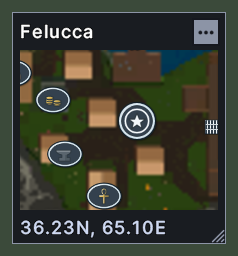
- Drag the corner grip to make the map larger or smaller. The map opens at the size you leave it.
- Right-click to close the map.
Changes
v1.0.0-alpha.1
- The map lists only your own waypoints, and has a find box and a legend.