Text Prompt
The text prompt is a small window that asks you to type an answer, such as a name or a number. It shows the question, a box for the answer, and the buttons Okay and Cancel under the box. The question also stands in the box as a hint until you type.
The window opens in the middle of the screen. A long question is broken into lines, and the window grows to hold them. Only one prompt is open at a time, and a new question replaces the one before it.
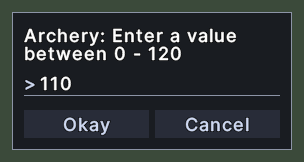
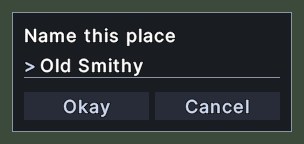
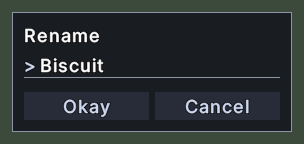
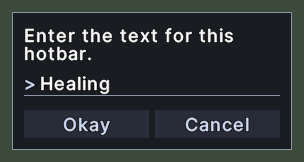
Opening it
- Choose Set Auto-Lock Value from the menu of a skill in the Skills window. A skill that already has a value shows a Remove choice there instead.
- Choose Rename from the menu of one of your pets.
- Choose a way of marking a place in the map or in the Waypoints window.
- Other windows ask for a name or a number in the same way, for example when you rename a macro.
- The prompt closes when you click Okay or Cancel, or press Enter or Escape in the box. An answer that is refused, as described below, keeps it open.
Using it
- Type your answer in the box. The box has the keyboard focus when the prompt opens.
- Click Okay, or press Enter, to send the answer. The prompt closes.
- Click Cancel, or press Escape, to close the prompt without an answer.
- When the question wants a number, an answer that is not a number keeps the prompt open and puts the starting value back. A count must be 1 or more.
- When the question wants a value between two numbers, a number past one end is pulled back to that end.
- Drag the window by its background to move it.