Skill Tracker
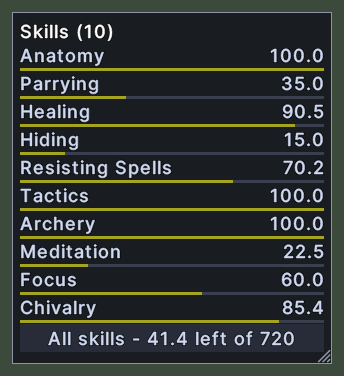
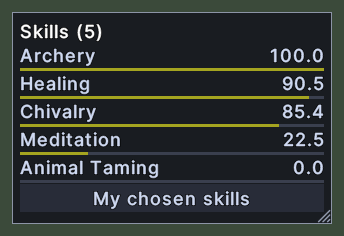
The skill tracker is a small window that keeps your skills in view while you play. Each row shows a skill's name, its value and a bar of how far the value has come toward its cap.
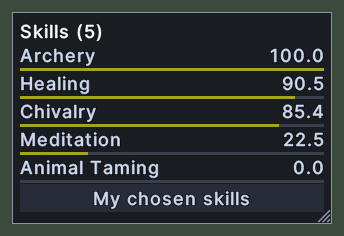
The title counts the skills on show, as "Skills (5)". The button along the foot changes what the tracker lists. In its first mode the tracker lists every skill above zero and says how many skill points are still free. In its second mode it lists only the skills you chose to watch.
Opening it
- The Skill tracker action, in the Menu Actions group of the Actions window, opens or closes it. You can put the action on a hotbar.
- A right-click anywhere on the window closes it.
Using it
- Click the button at the foot to change between all skills and your chosen skills. The tracker remembers the mode.
- To choose which skills the second mode lists, Shift+right-click a skill in the Skills window and pick Track this skill. Pick Stop tracking to remove it.
- Hover over a skill to read its name and value. It says either the skill's cap or the value it locks at.
- Drag the window to move it.
- Roll the mouse wheel over the list to scroll it, when there are more skills than the window shows.
- Drag the corner grip to resize it.
- Right-click to close the window.
Changes
v1.0.0-alpha.1
- The skill tracker keeps your skills in view, either every skill above zero or only the ones you choose to watch.