Tooltip
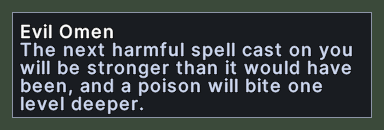
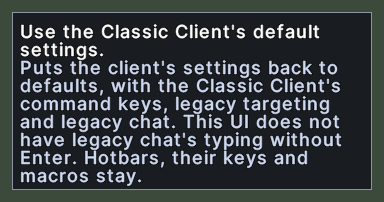
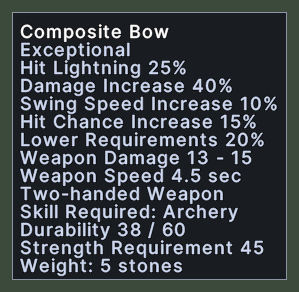
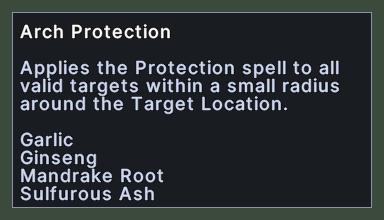
A tooltip is the small box of text that appears when you rest the pointer over something. It tells you what the thing is. The first line is the thing's name, in white, and the lines under it say more, such as what a spell does or what an item can do.
The box follows the pointer and stands above and to the left of it. At the top or left edge of the screen, it moves to the other side so that it stays whole. A very long text is cut off with "..." at the end of the last line that fits.

Opening it
- The tooltip appears when you rest the pointer over something that has a tooltip, such as a buff, a spell, an item, a hotbar slot or a button.
- An item's tooltip appears once the server has sent the item's properties. Until then, nothing shows.
- The tooltip goes away as soon as the pointer leaves the thing, or when the thing closes.
Using it
- Rest the pointer over a thing to read its tooltip. Nothing needs a click.
- Move the pointer, and the tooltip moves with it.
- Hover over a row whose name is cut off to read the name whole.